
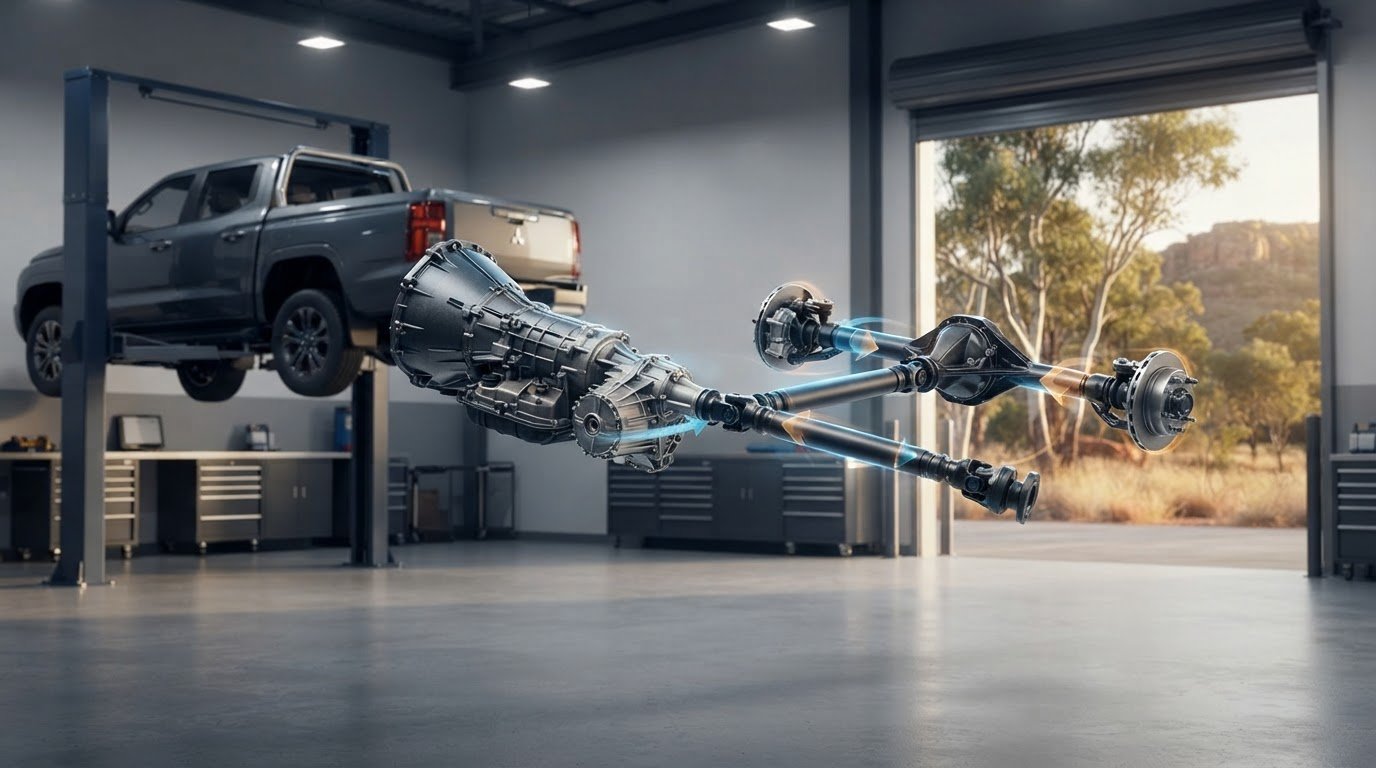
A replacement that looks identical can still be wrong for your vehicle. Driveshafts transfer torque from the transmission or transfer case to the differential in many rear-wheel-drive and four-wheel-drive vehicles. The layout depends on the vehicle’s drivetrain, so appearance alone isn’t a reliable fitment check.
A complete driveshaft assembly is different from individual components such as a universal joint or centre support bearing. Start by identifying what needs replacing, then match the part to your vehicle’s exact configuration. This guide explains the driveshaft’s role, the details to gather and what to compare when sourcing a replacement through an Australian online parts catalogue.
Key Takeaways
- Driveshafts connect driveline components, and their position depends on the vehicle’s drivetrain layout.
- Gather your vehicle’s make, model, year, engine, transmission, drivetrain and configuration before comparing replacement options.
- Use the original part number or vehicle details to check compatibility against the specific listing.
- Confirm whether you need a complete assembly or an individual driveline component.
What driveshafts do: how power reaches your wheels
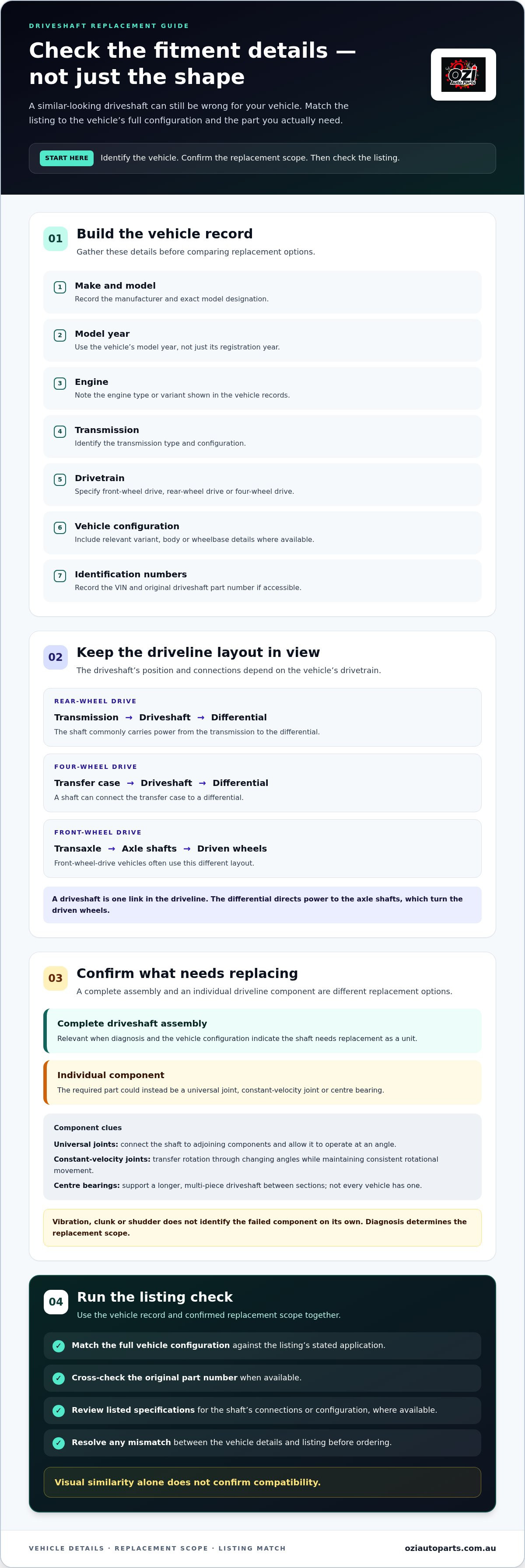
A driveshaft transfers rotational power between connected components in the driveline. In a rear-wheel-drive vehicle, it commonly carries power from the transmission to the differential. In a four-wheel-drive vehicle, a shaft can connect a transfer case to a differential. The arrangement depends on the vehicle’s drivetrain.
The differential directs power to the axle shafts, which turn the driven wheels. The driveshaft is one link in this system, rather than the component that connects directly to every wheel. Front-wheel-drive vehicles often use a different layout, with drive transmitted from the transaxle through axle shafts.
This distinction helps identify the part a listing describes. A complete driveshaft assembly is not the same as an individual joint or bearing fitted in the driveline. The vehicle’s layout determines which components it uses and how they connect.
Which components connect to a driveshaft?
Joints and support bearings accommodate movement and help the shaft operate within its particular layout. Their design and position vary between vehicles.
- Universal joints: Connect the shaft to adjoining components and allow it to operate at an angle.
- Constant-velocity joints: Transfer rotation through changing angles while maintaining consistent rotational movement. Their use depends on the driveline design.
- Centre bearings: Support a longer, multi-piece driveshaft between sections. Not every vehicle has one.
These terms don’t describe interchangeable parts. A driveshaft assembly can include joints, and a two-piece layout can include a centre bearing, but the exact components depend on the vehicle. When sourcing a replacement, identify the assembly and its configuration rather than relying on a general component name. This information explains component roles, but it doesn’t diagnose a fault or determine which part needs replacing.
How to identify the right replacement driveshaft for your vehicle
Start with the vehicle, not the shape of the old part. Driveshafts can differ between vehicles with the same model name, so match the listing to the complete vehicle configuration. For an overview of how a driveshaft works, see Eagle Transmission Cedar Park’s guide.
What vehicle details should you gather before ordering?
Record the details below, then compare them with the specific product listing. Use the VIN or original part number as additional identification when available. A difference in model year or drivetrain can distinguish applications that otherwise look similar.
- Make and model: Record the manufacturer and exact model designation.
- Year: Use the vehicle’s model year, not just its registration year.
- Engine: Note the engine type or variant shown in the vehicle records.
- Transmission: Identify the transmission type and configuration.
- Drivetrain: Specify front-wheel drive, rear-wheel drive or four-wheel drive.
- Vehicle configuration: Include relevant variant, body or wheelbase details where available.
- Identification numbers: Record the VIN and original driveshaft part number if accessible.
Compare each detail with the listing’s stated application and part information. Where available, check the original part number and any listed specifications for the shaft’s connections or configuration. If the vehicle details and listing don’t agree, resolve the mismatch before ordering. Visual similarity alone doesn’t confirm compatibility.
Use the information you’ve gathered to narrow options in the online auto parts catalogue. Accurate vehicle details make it easier to assess whether a listed replacement matches the intended application.
Replacing driveshafts: assess the part and plan your next step
A vibration, clunk or shudder doesn’t identify the failed component on its own. Different driveline faults can produce similar symptoms, so don’t assume the complete driveshaft needs replacing based only on how the vehicle feels. Diagnosis determines the replacement scope.
For information focused on vibration and balancing, refer to the driveshaft balancing symptoms guide. Keep that assessment separate from selecting a replacement part: the identified issue and the vehicle’s driveline configuration determine what needs to be sourced.
When is a complete driveshaft the relevant replacement?
A complete assembly is relevant when the diagnosis and vehicle configuration indicate that the shaft needs replacement as a unit. In other cases, the required part could be an individual driveline component, such as a joint or centre bearing. These are distinct replacement options, not different names for the same part.
Use the diagnosis and vehicle information together before choosing. Confirm whether the replacement scope is a complete assembly or a separate component, then compare the listing details with the vehicle’s configuration and any original part number. If those details conflict, resolve the mismatch before ordering. Appearance alone doesn’t establish suitability.
Ozi Auto Parts supplies driveshaft parts through its Australian online catalogue. Once you know the replacement scope and vehicle details, review the driveshaft parts range and compare the relevant listing information. This keeps the selection focused on the part required, rather than assuming a symptom identifies the fault or that every replacement needs a complete assembly.
Keep your next parts decision organised
A clear parts record is useful beyond this replacement. Keep the selected listing and part reference with the vehicle’s maintenance documents. Record the vehicle identifiers, selection date and whether the replacement was a complete assembly or an individual component. This gives you a practical reference if you need to source driveline parts again.
Keep diagnosis notes separate from the parts record. Symptoms alone don’t establish which component has failed, and a previous selection doesn’t replace checking the vehicle’s current configuration. Use confirmed details to guide your next driveshafts decision.
With your records ready, browse driveshaft parts and compare the listing with your vehicle details. Choose the relevant replacement from Ozi Auto Parts’ online catalogue.
Frequently Asked Questions
What does a driveshaft do in a car?
A driveshaft transmits rotational power through the driveline. In a parts catalogue, distinguish it from components that generate engine power or control gear selection—for example, if you are sourcing heavy-duty diesel engines rather than driveline parts, check out Diesel Freak. A listing for a transmission, differential or axle part describes a different component. Match the part description to the replacement scope you need.
How do I know which driveshaft fits my vehicle?
Use your vehicle’s exact variant, not just its make and model badge. Check the owner’s manual or vehicle records for configuration details, then compare them with the application information in the listing. If a key detail is missing or conflicts with your records, don’t treat the part as a confirmed match.
Is a driveshaft the same as a CV joint or universal joint?
No. A CV joint or universal joint is a type of connection, while “driveshaft” refers to the shaft assembly. This distinction matters in parts catalogues: a listing for a joint doesn’t automatically describe a complete shaft. Check the item description and included component details before selecting a part.
Can I replace an individual driveshaft component instead of the complete shaft?
That depends on the fault and whether the vehicle’s design allows the component to be replaced separately. Some driveshafts use non-serviceable joints, which require replacement of the complete assembly when a joint fails. Use the vehicle’s parts information and confirmed diagnosis to establish the replacement scope before sourcing a part.